November 2nd I started working at Snapsale as the head of iOS development. At the moment that means the head of me, so I get to do all the fun stuff myself. :-)
In that context I'm setting up an iOS test lab, that I've called "Snapsale iOS Lab" (yes, I'm that original in my naming). For my own sake, to remember with future devices, and to inspire other iOS developers (this might even apply to some degree to other mobile app devs), here is the list of tasks I do for each device.
When setting up a new iOS device:
- Set it up with the labs iCloud account
- Set no TouchID or PIN code
- Turn off key sound
- Give it a name with the template "iOS Labs [iOS/iPhone/AppleTV] [modelNumber] w/iOS [version]"
- Turn off automatic screen lock
- Turn on automatic downloads ...
I'm leaving Trifork to start working on Snapsale at Skylib. I will be taking over their iOS code base. I've taken over maintenance of many codebases before, and I thought it was time to describe my process.
I have two goals for this process:
- learn the code that is there
- make sure I end up with a maintainable project
This piece is a bit lengthy, and I'm not saying I'll need to do it all on Skylibs code, nor should this be seen as a fixed guide to any project. I do recommend following the same steps for anyone taking over code that I have maintained at Trifork, so it is also not meant to be any judgement. It is simply a description of my current process for accomplishing these two goals. With that ...
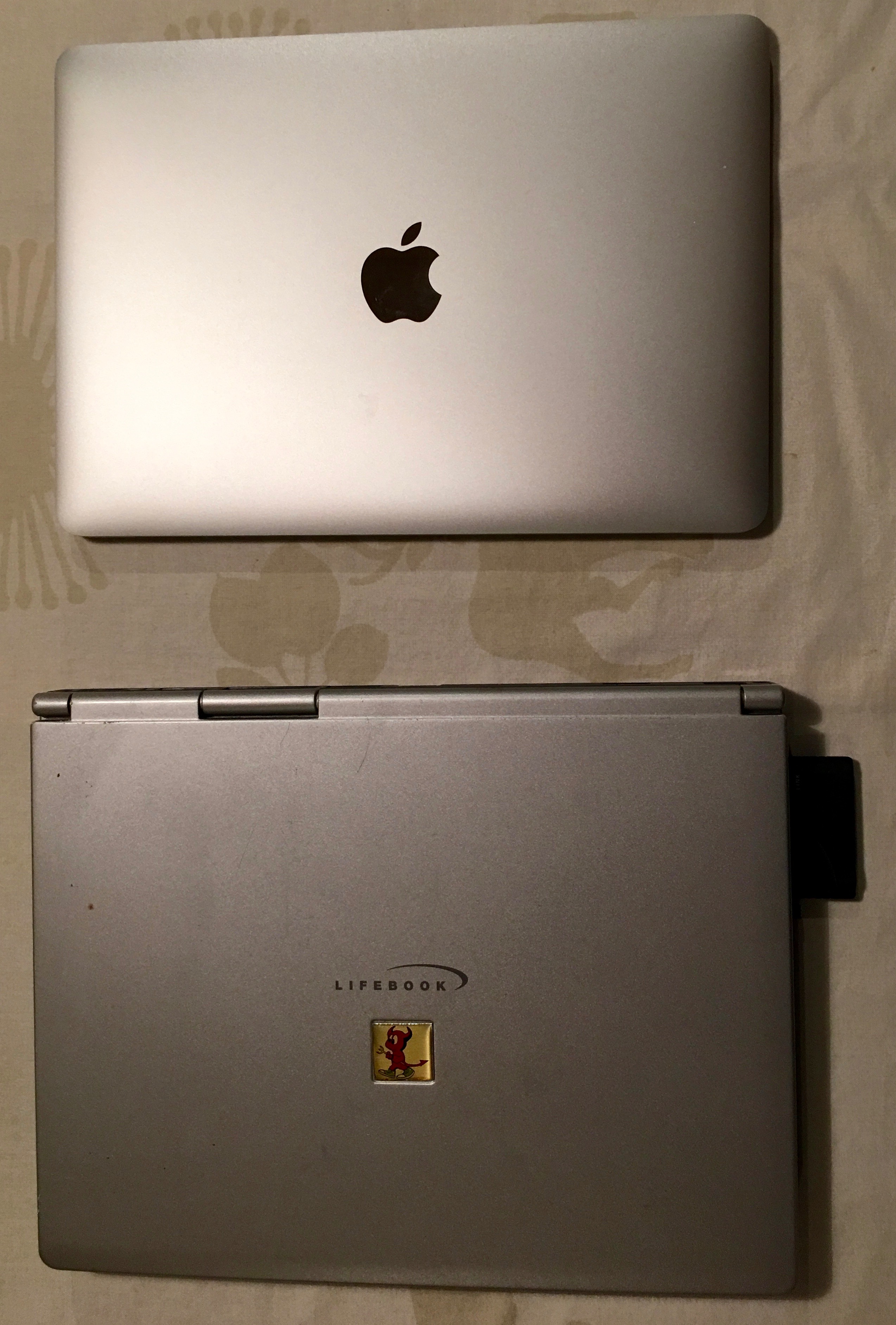
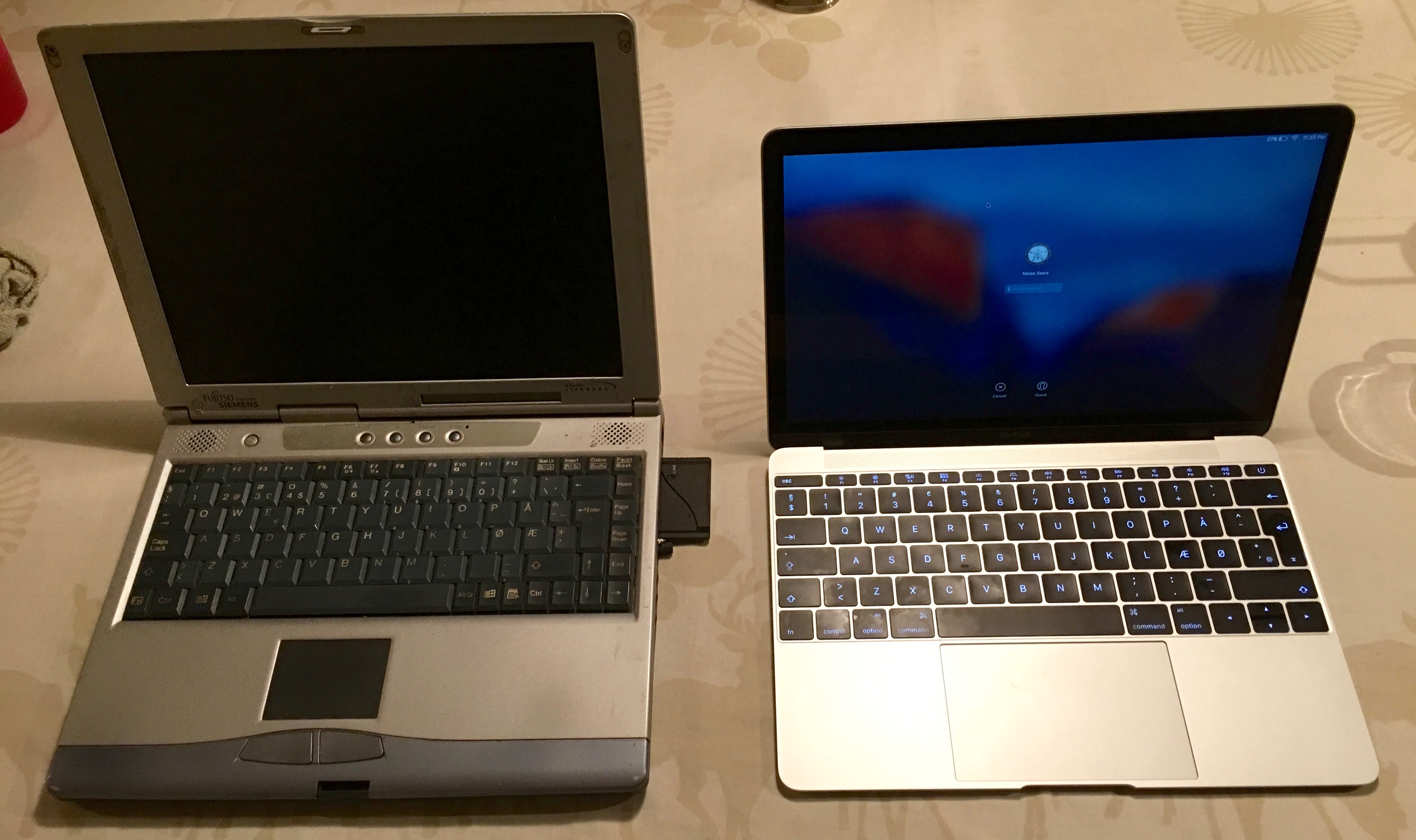
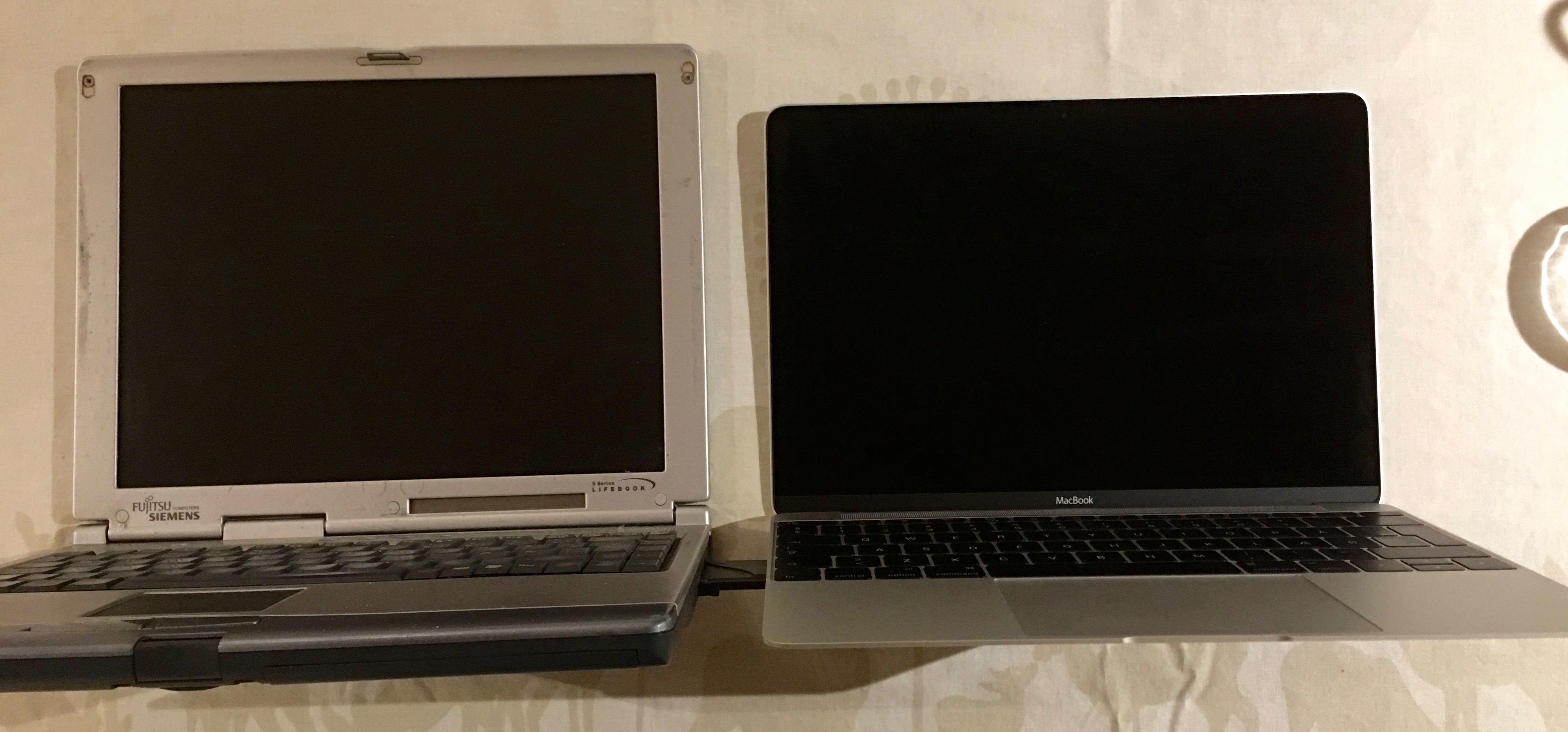
I'm setting up my travel computer for work, the retina Macbook, spring 2015 base model. It'll be my travel Xcode companion. It's the first 12" laptop I use since the one I Fujitsu-Siemens I bought in 2000 before travelling to Australia. The Fujitsu-Siemens was an ultra-portable Lifebook S-4510, by far slimmer than the average laptop of its time - I knew no-one who had a slimmer one for years. So I thought it was time to compare dimensions. And, well, this laptop was thinner in my memory than sitting side-by-side the Macbook
Live Photos is one of the most interesting new features of the iPhone. The iPhone is the most used camera I have, because it is always with me. And until now I have been quite all right at taking the photos I want. Live photos adds a time dimension to my photos, and this means I have to re-learn what it is to compose a photo, what it is to frame a photo, what it is to shoot a photo.
Right of the bat, the first thing I wanted was to bring a tripod with me. Because even though I could capture the movement in the situation, I actually caught a lot of movement in my hand. And this is on the iPhone 6S Plus that has image stabilization. Obviously I'm not going to carry a tripod around, but it means I have to re-learn how to hold the iPhone while shooting a photo.
Apple proposed that this feature gives context to the photos, but ...
Today my new iPhone arrived. Upgrade time!
First failure - don't back up to iCloud, it'll take forever. Back up to your Mac. Remember what Mac it is you back up to. And enable backup encryption. Because if you don't, it'll forget all your health data and all your passwords, and apparently also apps that require encryption. News to me.
Before this, though, unpair the Apple Watch from the phone. Because, it turns out that this is the only way to back it up.
So by unpairing (it takes about 5 minutes) you get a backup on your phone. Then you can backup your phone to a Mac, remembering to have it an encrypted backup, and THEN you can restore your old phone on the new, and only have half the apps be gone for no good reason.
Now you're just a confused panda, compared to the sad panda you'd be if you did it any other ...